What GNSS Receiver Should Be Used with Pixhawk? A Technical Guide
What Pixhawk Requires from a GNSS Receiver
Pixhawk flight controllers (Pixhawk 4, Pixhawk 6C, Pixhawk 6X, Cube, Holybro Durandal) accept GNSS data over a serial UART using standard protocols. Whatever receiver you choose, it must provide:
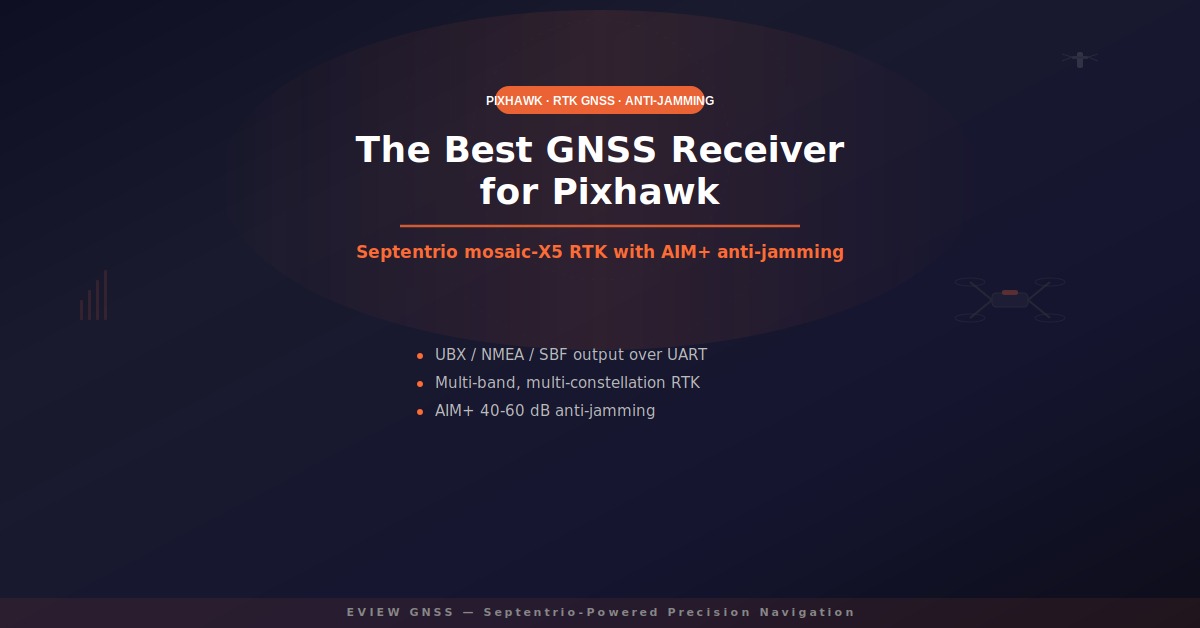
- UART output in a parsable format — UBX (u-blox), NMEA, or SBF (Septentrio) at 115200 baud.
- Multi-constellation, multi-band reception — GPS L1/L2/L5, Galileo E1/E5, BeiDou B1/B2, and GLONASS so the position holds in tree cover, urban canyons, and near infrastructure.
- RTCM 3.x input for RTK corrections, through a second UART or the telemetry link.
PX4 ships a native Septentrio driver, so mosaic-based receivers plug in cleanly on Pixhawk hardware running PX4 firmware. ArduPilot accepts NMEA and UBX over UART, so the same receiver works there by enabling the matching protocol in the autopilot’s serial configuration.
Best GNSS Receivers for Pixhawk: F9P vs mosaic-X5 vs UM982
- u-blox ZED-F9P — the default for hobby and light-commercial builds. Multi-band RTK at low cost with roughly 25 dB of interference rejection. No OSNMA anti-spoofing and limited resilience in contested RF environments.
- Unicore UM982 — strong multi-band RTK and dual-antenna heading with some anti-jamming. Good value, but no OSNMA and less mature interference reporting.
- Septentrio mosaic-X5 — the professional choice. Multi-band RTK and PPP, AIM+ anti-jamming at 40–60 dB, OSNMA anti-spoofing, and real-time interference status flags your flight controller can act on.
If your Pixhawk drone flies beyond visual line of sight, near powerlines, over industrial sites, or anywhere interference is possible, the gap between ~25 dB and 40–60 dB of jamming margin is the difference between a completed mission and a forced landing. See the anti-jamming & anti-spoofing GNSS solutions for a deeper comparison.
How to Connect a Septentrio Receiver to a Pixhawk
- Wire the receiver’s UART TX/RX to a spare Pixhawk serial port (for example TELEM2 or GPS2) with a common ground and the correct logic level.
- Configure the receiver to output NMEA or SBF at 115200 baud, and enable the matching protocol in the autopilot — the Septentrio driver in PX4, or NMEA on the assigned serial port in ArduPilot.
- For RTK, feed RTCM 3.x corrections into the receiver via its second UART, or through the Pixhawk’s telemetry link with an NTRIP client on the ground station.
- Verify with a ground-control mission before flight: check RTK fixed status and the receiver’s interference flags.
Eview’s GNSS boards and OEM modules package the mosaic-X5 with the pinout and cabling needed for autopilot integration, so you can skip the carrier-board design work entirely.
Why Anti-Jamming Matters for Pixhawk Drones
A Pixhawk drone is only as reliable as its position source. Consumer receivers drop lock or compute wildly wrong positions within meters of a jammer — the type of interference found near powerline corridors, substations, and construction sites. Septentrio AIM+ nulls jammers up to 40–60 dB above the noise floor while keeping RTK fixed, and reports the event so your autopilot can hold position or abort.
Recommended Setup for Professional Pixhawk Operations
For commercial UAV work — powerline inspection, mapping, agriculture, and delivery — pair a Pixhawk 6-series flight controller with a Septentrio-based RTK receiver and a survey-grade antenna. Browse the drone & UAV RTK GNSS solutions for recommended configurations, or the GNSS receiver box for a rugged, field-ready option that works standalone or tethered to an autopilot.
FAQ: GNSS Receivers for Pixhawk
What GNSS receiver is compatible with Pixhawk? Any receiver that outputs UBX, NMEA, or SBF over UART at a configurable baud rate. The u-blox ZED-F9P and Septentrio mosaic-X5 are the most common choices; for professional operations choose the Septentrio-based option.
Does PX4 support Septentrio receivers? Yes. PX4 ships a native Septentrio driver, and ArduPilot accepts Septentrio receivers via NMEA. Multi-band, multi-constellation RTK works out of the box on standard Pixhawk serial ports.
Can I use RTK with Pixhawk? Yes. Feed RTCM 3.x corrections to the receiver through a second UART or over the telemetry link with an NTRIP client. With a mosaic-X5 or ZED-F9P-based receiver you get centimeter-level fixed solutions.
What is the difference between u-blox ZED-F9P and Septentrio mosaic-X5 for Pixhawk? Both deliver multi-band RTK. The mosaic-X5 adds AIM+ anti-jamming (40–60 dB vs ~25 dB), OSNMA anti-spoofing, and interference status reporting — the difference between hobby reliability and commercial-grade resilience.
Do I need an anti-jamming GNSS receiver for a Pixhawk drone? If the drone flies near powerlines, substations, industrial sites, or urban areas, yes. Jamming is common there, and a receiver with 40–60 dB of mitigation keeps the mission alive.
Which Eview receiver should I use with Pixhawk? For autopilot integration use the mosaic-X5-based GNSS boards and OEM modules; for a field-ready unit use the GNSS receiver box. Both share the same Septentrio core and connect to Pixhawk over UART.
Ready to upgrade your Pixhawk build with professional-grade GNSS? Explore the GNSS receiver box and GNSS boards and OEM modules from Eview, or contact us to discuss your integration.